
Follow Us:


Apologizing for Late Replies
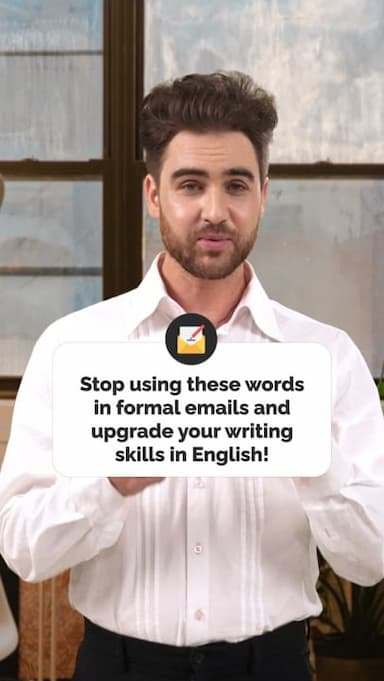
Replying late happens to everyone, but how you apologize can make a big difference in how professional and considerate you sound. This video teaches useful English phrases you can use when responding after a delay, especially in work emails and professional messages. Instead of repeating a simple sorry, you’ll learn varied expressions that sound natural, polite, and confident.
Phrases like Sorry for the delay in getting back to you or Apologies for the late follow-up are commonly used in business English. They clearly acknowledge the delay without sounding defensive or overly casual. Other expressions, such as I appreciate your patience or Thanks for waiting, help shift the focus toward respect and professionalism.
This lesson is ideal for English learners who communicate with colleagues, clients, or managers in English. It helps you balance politeness with clarity while maintaining a professional tone. You’ll also learn how to sound intentional, for example by explaining that you wanted to give the message proper attention.
By practicing these phrases, you can respond confidently even when you’re late. Small language choices like these help build trust, improve workplace relationships, and make your written English sound more fluent and natural.
Get the full app experience
Engaging video lessons and fun quizzes to help you ace your English.
Improve your English Level
Improve your pronunciation
Practice conversations
Sharpen your listening Skills
Fix common mistakes in English
Learn Grammar in a fun way
Expand your English Vocabulary

Coming soon to Google Play







© 2023 fluentjoy.com
Download FluentJoy App: