
Follow Us:


Executive-Level Email Language
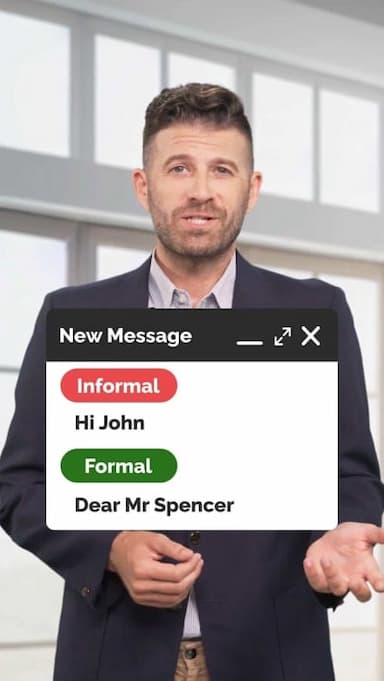
Strong email writing is a key skill for professionals, managers, and executives. Casual wording can make messages sound unclear or informal, while executive-level language helps you sound confident, polished, and credible.
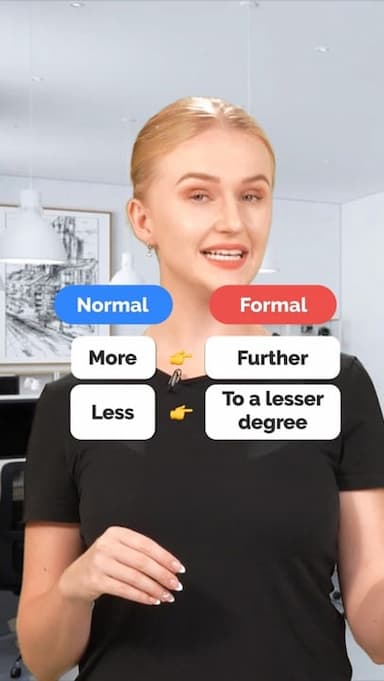
This video teaches simple but powerful upgrades that instantly improve your emails. You’ll learn why phrases like want to or set up can sound too casual in professional communication and how to replace them with more refined alternatives such as would like to and arrange. These small changes create a more professional tone without sounding stiff or unnatural.
The lesson also focuses on using precise nouns, such as discussion instead of meeting, and formal connectors like regarding to add clarity and authority. These choices are commonly used in leadership communication, client emails, and formal workplace writing.
This video is ideal for English learners who want to improve business English, write better emails, and communicate confidently in professional settings. Whether you’re emailing clients, colleagues, or senior leadership, executive-level language helps you make a strong impression.
By mastering these phrase upgrades, you’ll write emails that sound thoughtful, respectful, and aligned with professional standards across industries.
Get the full app experience
Engaging video lessons and fun quizzes to help you ace your English.
Improve your English Level
Improve your pronunciation
Practice conversations
Sharpen your listening Skills
Fix common mistakes in English
Learn Grammar in a fun way
Expand your English Vocabulary

Coming soon to Google Play








© 2023 fluentjoy.com
Download FluentJoy App: