
Follow Us:


Formal Email Phrasing in English
Using formal email phrasing is essential when writing to colleagues, clients, managers, or business partners. The words you choose affect how professional, polite, and confident your message sounds. Small vocabulary changes can make a big difference in tone and clarity.
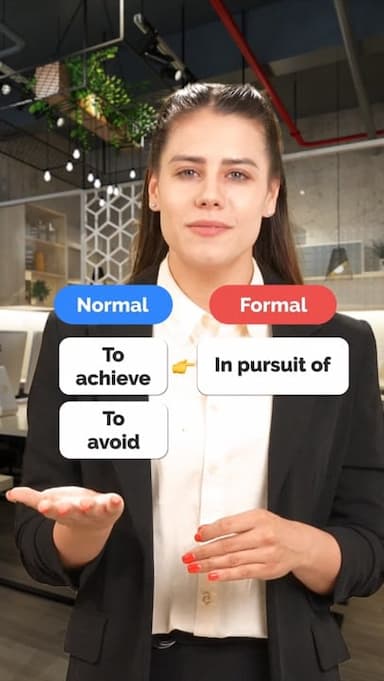
In this video, you will learn how to replace casual or direct expressions with more professional alternatives commonly used in business English. For example, instead of saying I want to, you can use I would like to, which sounds more polite and respectful. Replacing talk about with discuss helps your writing sound more focused and professional, especially in meetings and planning emails. You will also learn how to use regarding instead of about to clearly introduce topics in a formal way.
These simple upgrades are especially useful for emails about meetings, projects, and workplace decisions. They help you sound confident without being too direct or informal. Mastering formal phrasing also reduces misunderstandings and creates a more positive impression on the reader.
This lesson is ideal for intermediate and advanced English learners who want to improve professional communication skills. Watch the video to hear natural pronunciation, see real examples, and start writing emails that sound polished, professional, and appropriate for modern workplaces.
Get the full app experience
Engaging video lessons and fun quizzes to help you ace your English.
Improve your English Level
Improve your pronunciation
Practice conversations
Sharpen your listening Skills
Fix common mistakes in English
Learn Grammar in a fun way
Expand your English Vocabulary

Coming soon to Google Play










© 2023 fluentjoy.com
Download FluentJoy App: